

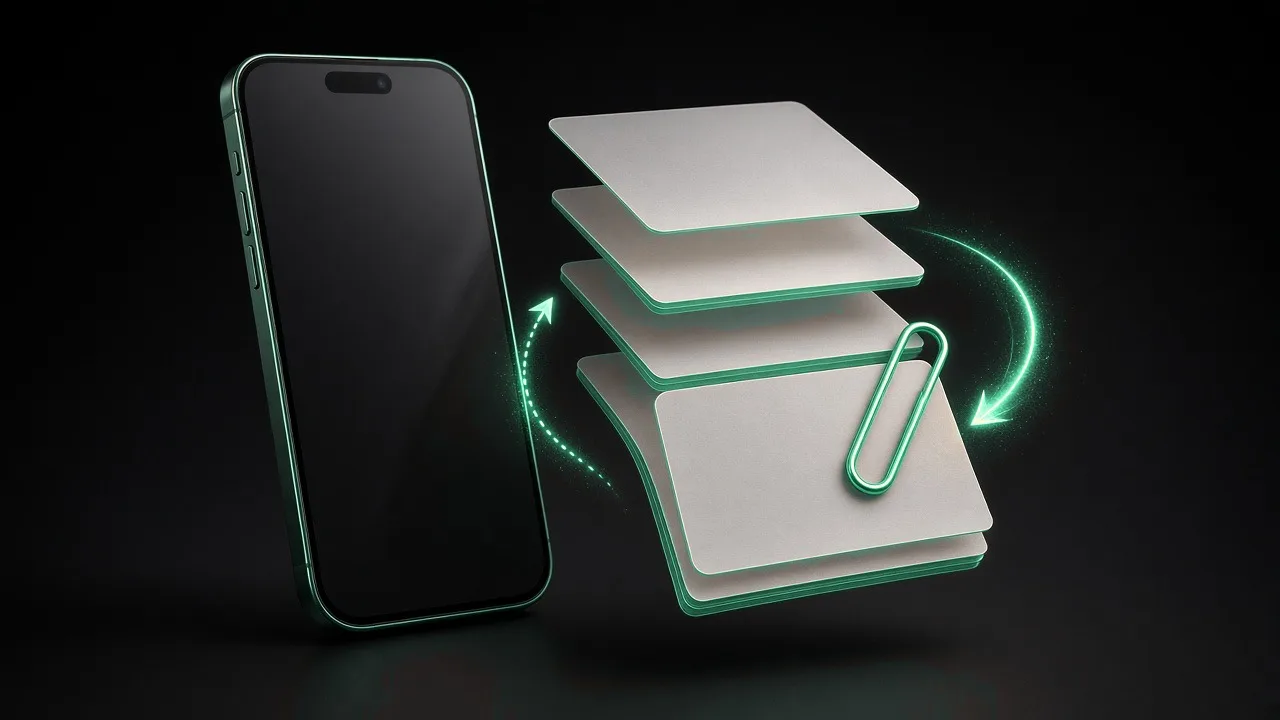
Combining PDFs sounds trivial until order matters, file names are ambiguous, and someone asks whether the merged packet leaked to a third-party server. Browser-based merge keeps every page on your device while you drag files into sequence—ideal for closing binders, onboarding packets, and evidence bundles.
Use the Merge PDF tool when you need one outbound file from many sources without installing desktop bloatware.
When merging beats zip attachments
Recipients on phones struggle with multi-attachment threads. A single merged PDF reads linearly, prints cleanly, and archives well in document management systems. Merge when:
- Legal wants one continuous exhibit index
- HR sends policy plus acknowledgments together
- Sales attaches proposal, scope, and terms in one download
Skip merge when recipients must edit individual sections separately—shared drives with version control may work better.
Prepare sources before you merge
Rename downloads descriptively: 01-cover-letter.pdf, 02-scope.pdf. Open each file briefly to confirm orientation and page size. Mixed letter and A4 pages merge technically but look unprofessional in print—normalize in source apps when possible.
Remove password protection if you are authorized; encrypted inputs block merge tools until unlocked.
Step-by-step merge locally
- Open Merge PDF.
- Add files in the order you want them to appear.
- Drag thumbnails to reorder if you added files out of sequence.
- Start merge and wait—large scans take time but stay local.
- Download the combined PDF and scroll every boundary between sources.
- Optional: run Compress PDF if email size requires it.
Ordering mistakes to avoid
| Mistake | Fix |
|---|---|
| Appendix before main body | Drag reorder before merge |
| Duplicate cover pages | Delete extra PDF from queue |
| Rotated scan pages | Rotate in source scan app first |
| Mixed color profiles | Accept or re-export color-heavy sections |
After merge: split and compress
Not every workflow ends at merge. If reviewers only need chapter three, split PDF into pages afterward. If the merged packet exceeds mail limits, compress with moderate settings rather than re-scanning everything.
When photos start the pipeline—camera to PDF—read images to PDF on phone for capture tips before merge enters the picture.
Privacy for client packets
Merged files often contain contracts, IDs, and financial summaries. Uploading them to random merge sites expands your vendor list without a security review. Local merge matches how FragCrafts treats PDF utilities; see browser file converters and privacy for context.
FAQ
Is there a limit to how many PDFs I can merge?
Practical limits depend on your device memory and browser. Very large batches may need to be merged in groups.
Does merge change text selectability?
A proper merge preserves original page content; scanned pages remain images, digital text stays selectable.
Accessibility and bookmarks
Simple merge may not preserve interactive bookmarks from sources. If navigation matters, test in your PDF reader and recreate bookmarks in desktop tools when necessary. For court or compliance submissions, verify requirements about OCR layers on scans before sending.
Redaction reminders
Merge does not redact. If a source PDF contains hidden layers or comments, sanitize in a desktop editor before merging sensitive externals. Accidentally forwarding internal comments with client packets is a common merge-adjacent mistake.
Document what you changed
When you adjust a file for email, web, or app store submission, leave a note in the ticket or README: original file name, tool used, quality setting, and date. Future teammates inherit messy folders without that habit. If a client asks for a re-send six months later, you will know exactly which derivative was official instead of guessing from ambiguous final-v3-compressed.pdf names.
Prefer local processing for sensitive work
Browser-based FragCrafts tools keep bytes on the device during conversion, merge, split, and compression. That matches how you would treat credentials: avoid passing through unknown upload endpoints. When you recommend tools to contractors, link the specific FragCrafts page so they do not substitute ad-heavy alternatives that log IP addresses and file metadata.
Check results on mobile
Many stakeholders approve deliverables on phones. Open outputs on both iOS and Android browsers or gallery apps before calling a task done. Desktop-only verification misses tap-to-zoom blur, orientation bugs, and attachment download paths that differ from laptop webmail.
Build repeatable folder habits
Use inbox/, working/, and outbox/ (or equivalent) on shared drives. Move files forward through stages instead of editing in place on downloads folders. Repeatable structure reduces accidental overwrites when filenames collide like document.pdf.
When to escalate to custom software
Manual tools fit occasional tasks. If your team repeats the same conversion or packaging steps daily—statements, listing photos, inspection PDFs—automate inside your product or back office. FragCrafts builds custom software when workflows outgrow one-off browser utilities.
Keep originals until sign-off
Derivatives are disposable; masters are not. Store lossless or source exports until the client approves. Only then archive or delete intermediates to save space. Deleting early forces expensive re-shoots or re-exports when someone wants a last-minute crop change.
Name files for humans
Include project, date, and role in filenames (acme-proposal-2026-09-10.pdf). Avoid opaque camera defaults for client-facing sends. Good names reduce wrong attachments without opening every file.
Test with the recipient’s toolchain
Ask whether they view in Adobe Reader, browser preview, mobile mail, or a document management system. Each renders PDFs and images slightly differently. One quick confirmation prevents rework when their viewer shows missing fonts or unexpected margins.
Align marketing and engineering on file standards
Weekly standups rarely mention attachment limits until a launch email bounces. Publish a one-page standard: maximum PDF megabytes, preferred image formats, and links to FragCrafts tools for fixes. Marketing learns where to compress; engineering knows which MIME types uploads accept. Small clarity prevents Friday-night fire drills.
Accessibility beyond file size
Alt text, readable contrast, and logical heading structure matter as much as compression for public sites. PDFs distributed externally should include tags when your authoring tool supports them. Images on storefronts need descriptions for screen readers. Optimization is not only bytes—it is whether everyone can use the deliverable.
Conclusion
Merge PDFs in your browser when you need one polished packet without exposing contents to upload servers. Name and order inputs deliberately, verify page boundaries, then compress or split only if downstream channels require it. For web apps that merge on behalf of users, web application development can embed the same privacy model inside your product.
Version control for merged packets
When a merged PDF represents a “final” client deliverable, store the merge order list alongside the output (merge-order.txt). If a section updates, you can rebuild quickly without guessing which download was v3. Tag filenames with dates (proposal-2026-09-10-merged.pdf) to avoid overwriting earlier approvals.
If two teammates merge different subsets, diffing PDFs is painful—designate one person as packager for external sends.
Print shop handoffs
Print vendors may impose color profile or bleed requirements merging cannot fix. Confirm whether they want single PDF with crop marks or separate cover and body files. Browser merge handles assembly; prepress may still happen in desktop tools afterward.
Redaction reminders
Merge does not redact. If a source PDF contains hidden layers or comments, sanitize in a desktop editor before merging sensitive externals. Accidentally forwarding internal comments with client packets is a common merge-adjacent mistake.
FAQ
- Is there a limit to how many PDFs I can merge?
- Practical limits depend on your device memory and browser. Very large batches may need to be merged in groups.
- Does merge change text selectability?
- A proper merge preserves original page content; scanned pages remain images, digital text stays selectable.